
Kubernetes Controllers Explained — A Beginner’s Guide
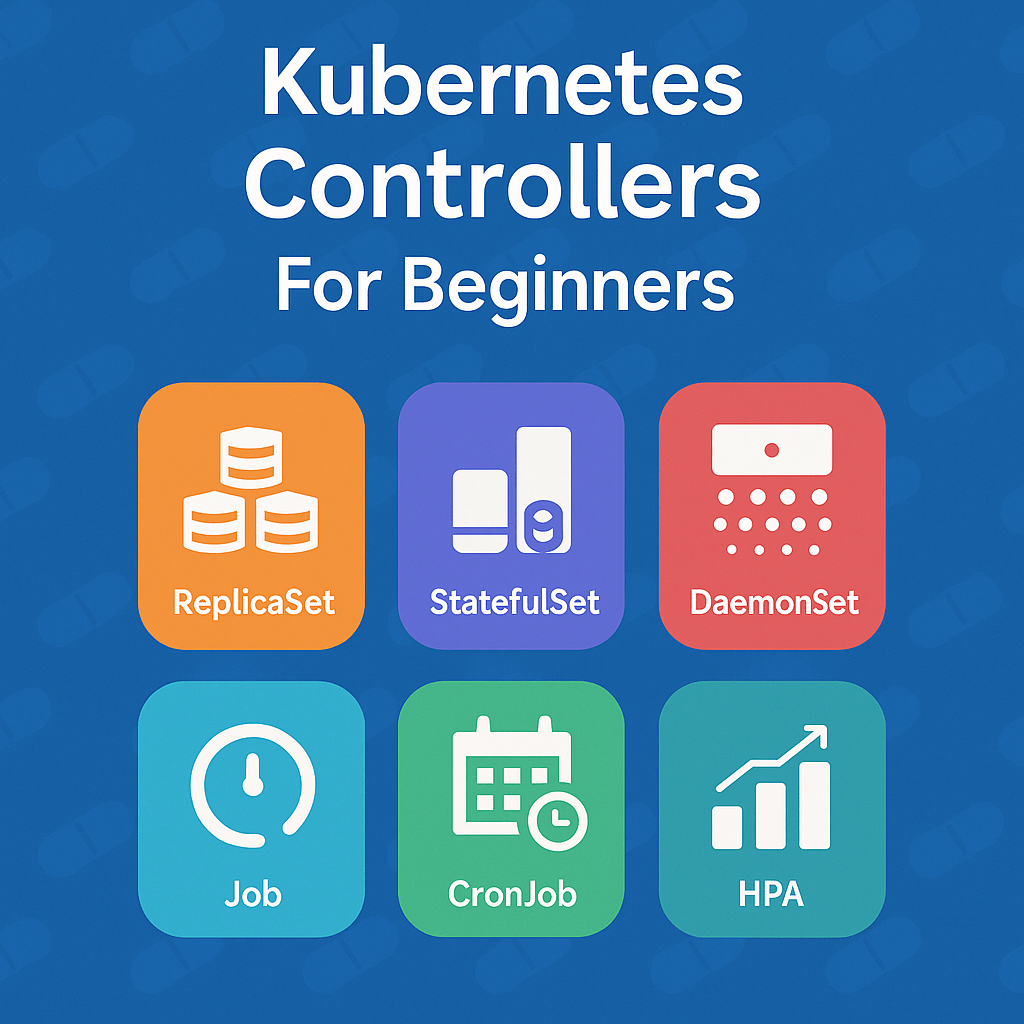
StatefulSet – For Stateful Applications
A StatefulSet is used to manage stateful or data-dependent applications, where each Pod needs a unique identity, persistent data, and stable network identity.
Purpose:
To deploy applications that require stable storage and ordered Pod creation/destruction.
Example Use Cases:
- Databases → MySQL, PostgreSQL, MongoDB
- Distributed Systems → Kafka, Cassandra, Elasticsearch
- Applications that must retain data even after Pod restarts
Key Features:
| Feature | Description |
|---|---|
| Stable Pod identity | Each Pod gets a consistent name (e.g., web-0, web-1, web-2) |
| Ordered deployment | Pods are created and deleted sequentially |
| Persistent storage | Each Pod can have its own PersistentVolumeClaim (PVC) |
| Network identity | Each Pod keeps a stable hostname |
| Scaling behavior | Adds or removes Pods in a defined order |
YAML Example:
apiVersion: apps/v1
kind: StatefulSet
metadata:
  name: mysql
spec:
  serviceName: "mysql"
  replicas: 3
  selector:
    matchLabels:
      app: mysql
  template:
    metadata:
      labels:
        app: mysql
    spec:
      containers:
        - name: mysql
          image: mysql:8
          volumeMounts:
            - name: data
              mountPath: /var/lib/mysql
  volumeClaimTemplates:
    - metadata:
        name: data
      spec:
        accessModes: ["ReadWriteOnce"]
        resources:
          requests:
            storage: 10Gi
DaemonSet – For Node-Level Services
A DaemonSet ensures that a copy of a Pod runs on every node (or selected nodes) in the cluster.
Purpose:
To deploy infrastructure or monitoring agents that must run on all nodes.
Example Use Cases:
- Log collection → Fluentd, Filebeat
- Node monitoring → Prometheus Node Exporter
- Security agents → Falco, Sysdig
- Networking → kube-proxy, CNI plugins
Key Features:
| Feature | Description |
|---|---|
| One Pod per Node | Automatically schedules Pods on all (or specific) nodes |
| Automatic updates | New Pods are added automatically when new nodes join |
| No persistent storage | Pods are stateless by design |
| Node targeting | You can use node selectors or taints/tolerations to control where Pods run |
YAML Example :
apiVersion: apps/v1
kind: DaemonSet
metadata:
  name: node-monitor
spec:
  selector:
    matchLabels:
      app: node-monitor
  template:
    metadata:
      labels:
        app: node-monitor
    spec:
      containers:
        - name: node-monitor
          image: prom/node-exporter
Key Differences: StatefulSet vs DaemonSet
| Feature | StatefulSet | DaemonSet |
|---|---|---|
| Purpose | Manage stateful applications (databases, queues) | Run one Pod per node (system agents, log collectors) |
| Pod Identity | Each Pod has a unique, stable identity (app-0, app-1, etc.) | All Pods are identical |
| Storage | Uses PersistentVolumeClaims | Usually stateless |
| Scaling | Manually specify number of replicas | Automatically matches node count |
| Deployment Order | Pods start/stop in sequence | Pods start independently on all nodes |
| Examples | MySQL, Kafka, Redis | Fluentd, Prometheus Node Exporter, kube-proxy |
| When to Use | When data/state persistence is critical | When you need node-level agents or daemons |
Real-World Analogy
| Concept | Analogy |
|---|---|
| StatefulSet | Like giving each employee their own laptop with saved data (personal identity). |
| DaemonSet | Like installing antivirus software on every machine (same everywhere). |
Deployment Controller
Purpose: Manages stateless applications and ensures desired Pod replicas run continuously.
How It Works:
When you deploy an app, the Deployment controller creates a ReplicaSet, which in turn manages Pods. It supports rolling updates, rollbacks, and scaling.
Business Use Case:
An e-commerce website frontend (React or Angular app).
When traffic increases, Deployment automatically scales Pods horizontally.
apiVersion: apps/v1
kind: Deployment
metadata:
  name: web-frontend
  namespace: prod
  labels:
    app: web-frontend
spec:
  replicas: 3
  selector:
    matchLabels:
      app: web-frontend
  strategy:
    type: RollingUpdate
    rollingUpdate:
      maxUnavailable: 1
      maxSurge: 1
  template:
    metadata:
      labels:
        app: web-frontend
    spec:
      containers:
        - name: web
          image: nginx:1.25
          ports:
            - containerPort: 80
          resources:
            requests:
              cpu: "150m"
              memory: "128Mi"
            limits:
              cpu: "300m"
              memory: "256Mi"
          readinessProbe:
            httpGet:
              path: /
              port: 80
            initialDelaySeconds: 5
            periodSeconds: 10
ReplicaSet Controller
Purpose: Ensures a specified number of identical Pods are always running.
How It Works:
If one Pod fails, ReplicaSet spins up another automatically.
Business Use Case:
A REST API service running across multiple Pods for load balancing.
Example:api-replicaset keeps 5 backend Pods available to handle concurrent users.
apiVersion: apps/v1
kind: ReplicaSet
metadata:
  name: user-api-rs
  namespace: prod
  labels:
    app: user-api
spec:
  replicas: 4
  selector:
    matchLabels:
      app: user-api
  template:
    metadata:
      labels:
        app: user-api
    spec:
      containers:
        - name: api
          image: python:3.10-slim
          command: ["python", "-m", "http.server", "8080"]
          ports:
            - containerPort: 8080
ReplicationController (Legacy)
Purpose: Similar to ReplicaSet but older. Ensures the desired number of Pod replicas.
Why It’s Deprecated:
Replaced by ReplicaSet due to enhanced label selector capabilities.
Business Use Case:
Used in legacy clusters or older apps that need backward compatibility.
Example:
An old in-house monitoring agent still running under a ReplicationController.
apiVersion: v1
kind: ReplicationController
metadata:
  name: billing-rc
  namespace: legacy
  labels:
    app: billing
spec:
  replicas: 2
  selector:
    app: billing
  template:
    metadata:
      labels:
        app: billing
    spec:
      containers:
        - name: billing
          image: busybox
          command: ["sh", "-c", "echo Processing Billing... && sleep 3600"]
Job Controller
Purpose: Runs one-time batch tasks and ensures completion.
How It Works:
If a Pod fails, Job restarts it until the task completes successfully.
Business Use Case:
Data processing or report generation tasks.
Example:
Run a daily job to import CSV data into PostgreSQL.
kubectl create job data-import --image=python:3.10 -- python script.py
apiVersion: batch/v1
kind: Job
metadata:
  name: data-etl-job
  namespace: analytics
spec:
  backoffLimit: 3
  template:
    spec:
      restartPolicy: OnFailure
      containers:
        - name: etl
          image: amazon/aws-cli:2.13
          command:
            - sh
            - -c
            - >
              echo "Starting ETL process...";
              aws s3 cp s3://company-data/raw/data.csv /tmp/data.csv &&
              echo "Data successfully imported to RDS";
              sleep 10;
              echo "ETL completed successfully ✔"
CronJob Controller
Purpose: Runs Jobs on a schedule (like cron).
How It Works:
Defines a cron expression (e.g., “0 2 * * *”) to trigger Jobs at fixed times.
Business Use Case:
Automated backups, cleanup scripts, or email reports.
Example:
A nightly database backup job at 2 AM:
schedule: "0 2 * * *"
apiVersion: batch/v1
kind: CronJob
metadata:
  name: db-backup-job
  namespace: ops
spec:
  schedule: "0 2 * * *"
  successfulJobsHistoryLimit: 3
  failedJobsHistoryLimit: 1
  jobTemplate:
    spec:
      backoffLimit: 2
      template:
        spec:
          restartPolicy: OnFailure
          containers:
            - name: db-backup
              image: amazon/aws-cli:2.13
              env:
                - name: DB_NAME
                  value: "prod-db"
                - name: S3_BUCKET
                  value: "s3://company-backups/prod-db"
              command:
                - sh
                - -c
                - >
                  echo "Starting DB backup for $DB_NAME...";
                  pg_dump -h db.prod.svc.cluster.local -U admin $DB_NAME > /tmp/db.sql &&
                  aws s3 cp /tmp/db.sql $S3_BUCKET/backup-$(date +%F).sql &&
                  echo "Backup completed successfully ✔"
Horizontal Pod Autoscaler (HPA)
Purpose: Automatically scales Pods up or down based on resource metrics (like CPU, memory).
How It Works:
Monitors metrics and updates Deployment or ReplicaSet Pod count dynamically.
Business Use Case:
A video streaming app where traffic spikes at night automatically scales Pods.
Example:
If CPU usage > 70%, add Pods; when idle, reduce count.
apiVersion: autoscaling/v2
kind: HorizontalPodAutoscaler
metadata:
  name: web-hpa
  namespace: prod
spec:
  scaleTargetRef:
    apiVersion: apps/v1
    kind: Deployment
    name: web-frontend
  minReplicas: 2
  maxReplicas: 10
  metrics:
    - type: Resource
      resource:
        name: cpu
        target:
          type: Utilization
          averageUtilization: 65
What is the Vertical Pod Autoscaler (VPA)?
The Vertical Pod Autoscaler (VPA) automatically adjusts CPU and memory requests/limits for running Pods based on actual usage.
In short:
It makes your Pods smarter by right-sizing their resources dynamically.
Why We Need VPA
By default, you set static resource values like:
resources:
  requests:
    cpu: "500m"
    memory: "256Mi"
But workloads change!
- During low usage → over-provisioned (waste money)
- During spikes → under-provisioned (slow app or OOM errors)
VPA solves this by continuously learning actual usage and automatically adjusting resources.
How VPA Works (3 Components)
| Component | Role |
|---|---|
| VPA Recommender | Analyzes Pod metrics to recommend new CPU/memory requests |
| VPA Updater | Evicts Pods if needed, so they restart with updated resources |
| VPA Admission Controller | Applies resource updates during Pod creation |
YAML Example: Deployment for VPA
apiVersion: apps/v1
kind: Deployment
metadata:
  name: analytics-app
  namespace: analytics
  labels:
    app: analytics
spec:
  replicas: 1
  selector:
    matchLabels:
      app: analytics
  template:
    metadata:
      labels:
        app: analytics
    spec:
      containers:
        - name: analytics
          image: python:3.10
          command: ["python", "-c", "import time; print('Processing data...'); time.sleep(3600)"]
          resources:
            requests:
              cpu: "200m"
              memory: "256Mi"
            limits:
              cpu: "400m"
              memory: "512Mi"
YAML Example Vertical Pod Autoscaler
apiVersion: autoscaling.k8s.io/v1
kind: VerticalPodAutoscaler
metadata:
  name: analytics-vpa
  namespace: analytics
spec:
  targetRef:
    apiVersion: "apps/v1"
    kind: "Deployment"
    name: "analytics-app"
  updatePolicy:
    updateMode: "Auto"
Final Takeaway
| Controller | Scaling Type | Ideal For | Example |
|---|---|---|---|
| ReplicaSet | Fixed replica count | Stateless workloads | REST API backend |
| StatefulSet | Persistent identity | Databases, Kafka | MySQL cluster |
| DaemonSet | Node-level | Logging & monitoring | Fluentd, Node Exporter |
| Job | One-time | Batch processing | ETL data job |
| CronJob | Scheduled | Maintenance tasks | DB backup |
| HPA | Horizontal | Dynamic traffic | E-commerce web app |
| VPA | Vertical | Variable workloads | ML model service |
Kubernetes #KubernetesControllers #DevOps #CloudNative #KubernetesForBeginners #Containerization #ReplicaSet #HPA #VPA #StatefulSet #DaemonSet #OpenSource